
Why this audit matters now
Architects work at search speed. If an EPD sits three clicks deep or behind a form, a competitor wins the click. In our synthesis, 79% of decision‑makers seek sustainable products and 85% start on the brand’s site, yet navigation and product data are frequently hard to find. Visible EPDs track with value gains while their absence tracks with losses (Parq EPD Guide, 2025).
Set the timer and assemble the test
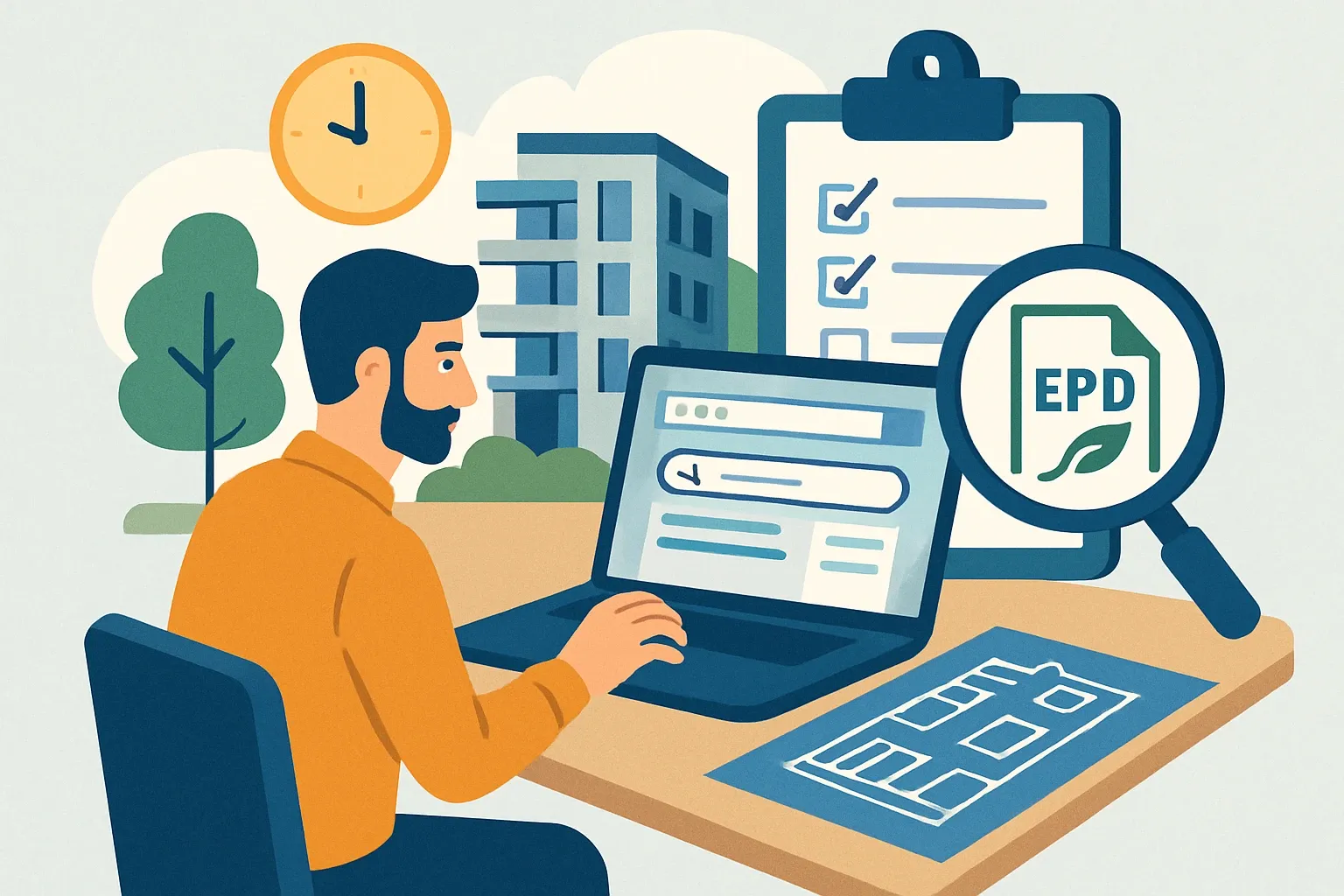
Give two teammates 20 minutes each. One from product or engineering, one from marketing or sales enablement. They should screen‑record, narrate their steps, and stop the clock when they either download the correct EPD or give up. No insider shortcuts, just what an architect would do from the homepage.
Checklist 1: The product page reveals the EPD fast
Success looks boring and obvious.
- From the homepage, reach a specific product page in two clicks or under 10 seconds.
- On that page, the EPD link sits adjacent to technical data or downloads, not buried in a sustainability hub.
- The link opens the file directly, with no email wall or generic request form.
- Mobile view shows the same link without accordion hide‑and‑seek.
If any item fails, expect drop‑offs that never appear in CRM, which is the worst kind of attrition.
Checklist 2: Technical and sustainability data live together
Architects compare specs and carbon side by side. Keep them co‑located.
- Technical data sheet, EPD, HPD, and installation guide appear in one “Documents” block.
- The block is visible above the fold on desktop and within the first scroll on mobile.
- Filenames are human readable with product name, version date, and language.
This pairing reduces back‑and‑forth and shortens the path to specification.
Checklist 3: Navigation earns its keep
Menus are not decoration, they are wayfinding.
- Top navigation includes a clear “Products” and a clear “Sustainability” or “Environmental Documents” item.
- Breadcrumbs confirm location and allow a jump back to product families.
- Footer repeats links to EPDs and technical documents for catch‑all discovery.
If users cannot predict where links go, they bounce. Simple as that.
Join Parq Pulse!
Our weekly newsletter for manufacturers mobilizing product and environmental insights to remain competitive and win more projects.
Checklist 4: Site search speaks architect
Search should understand the synonyms people actually type.
- Queries for “EPD”, “environmental product declaration”, “LCA”, “HPD”, and “sustainability” return relevant product pages in the top three results.
- PDF content is indexed so a search for a model or SKU inside a document still finds the product page.
- Zero‑results pages offer helpful fallbacks like contact or category links rather than a dead end.
A site search that cannot find “EPD” is like a library that whispers.
Checklist 5: External research channels show your docs
Most architects validate off‑site before they shortlist. Meet them there.
- A Google query for “{product name} EPD” returns your product page or a direct file within the first screen.
- Program operator listings reference your exact product names and link back correctly.
- Major spec libraries or product directories list the document in the right category.
Use structured filenames and consistent product naming to avoid orphaned results.
Checklist 6: Document hygiene prevents second guessing
Trust lives in the details.
- Each PDF shows a clear issue date, version, program operator, and verification status on page one.
- The product name and variant match the website exactly, including finishes or densities.
- Internal redirects avoid 404s and old links still resolve gracefully.
Small inconsistencies create big doubt, and doubt kills momentum.
Checklist 7: Speed, size, and accessibility
Files should open fast and be readable by everyone.
- PDFs load in under two seconds on a standard connection and stay under a reasonable file size.
- Text is selectable, tagged for accessibility, and searchable.
- Language variants are grouped so international teams are not forced to guess.
Slow pages feel like a tax. People will not pay it.
Checklist 8: Analytics and ownership
If no one owns findability, no one improves it.
- Track clicks on EPD links and on‑page search queries as events.
- Review top internal searches weekly to fix dead ends and rename links.
- Assign a single owner for document governance with a quarterly checklist review.
What gets measured gets maintained, and what gets ignored gets messy, fast.
Score it and expose the revenue leak
Give each checklist item 1 point for a pass, 0 for a fail. A score under 80% signals material leakage, because high‑intent researchers are abandoning before sales ever sees them. If you prefer a weighted view, double the points for product‑page visibility and site search, since those two drive the majority of discovery behavior in our testing. This is the kind of fix that pays back quickly, sometimes within one bid cycle, sometimes sooner.
Seven quick fixes that usually ship in a week
- Add an on‑page “Documents” block to every SKU template and place EPDs next to technical datasheets.
- Rename files with product name, version date, and language to improve search relevance.
- Create a dedicated “Environmental Documents” landing page that lists all EPDs with filters.
- Reindex PDFs and enable synonyms for EPD, LCA, HPD in site search.
- Update program operator listings with current product names and working backlinks.
- Move EPD links above the fold on mobile and desktop templates.
- Set analytics events on downloads and internal searches to catch friction in real time.
Tie it to what specs reward
LEED v5 and owner carbon targets make transparency a selection filter, not a nice‑to‑have. The study data shows architects want sustainable options and start on brand sites, yet they often struggle to find what they need. Make EPDs obvious on product pages, speak the language of search, and appear in external research channels. Do that and the spec math tilts your way. Skip it and the leak continues, silently, alot.