
Where architects actually look
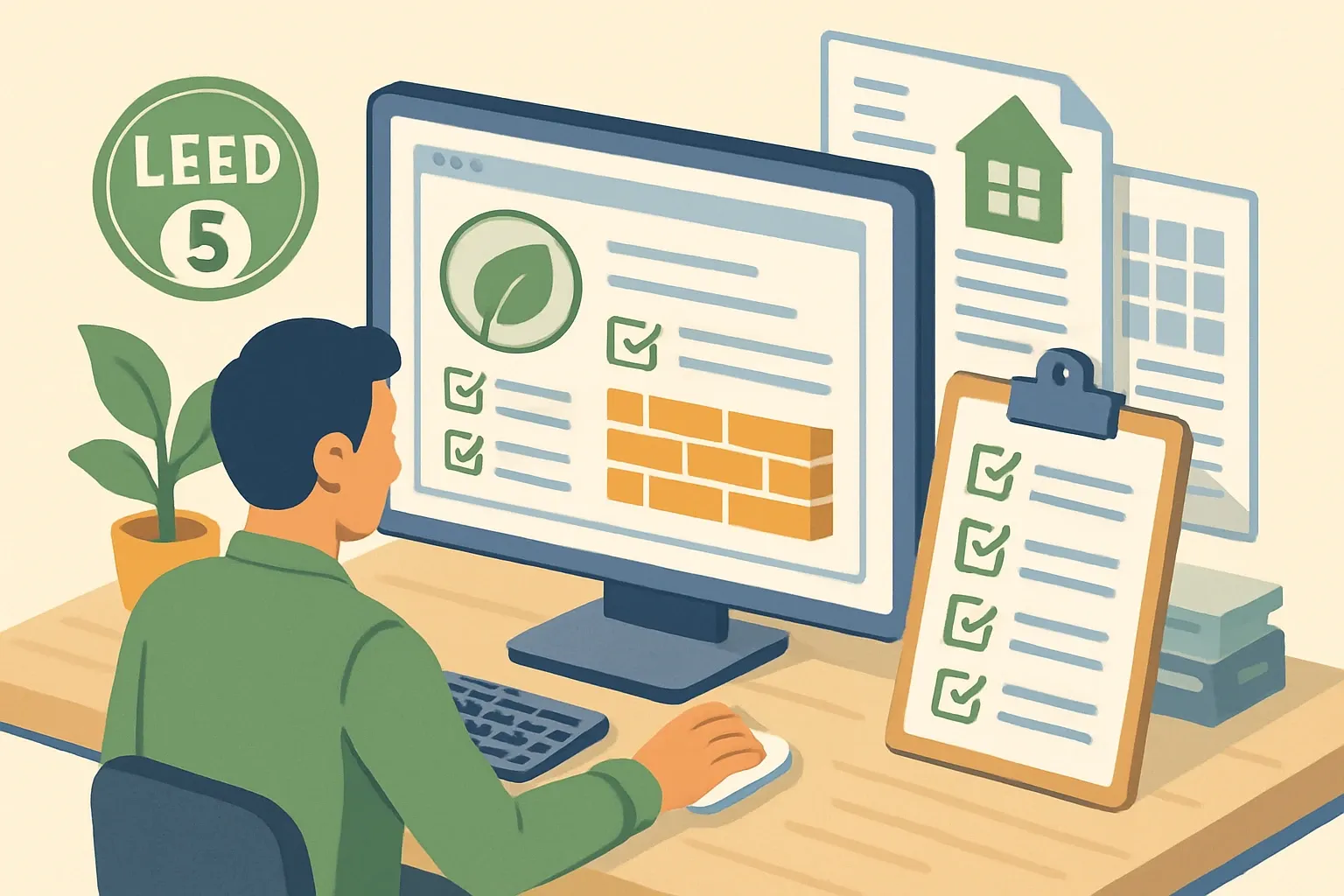
When deadlines hit, design teams open three tabs first: the product page, the cut sheet PDF, and the BIM/Revit family. If LEED claims are buried, version‑vague, or contradicted across those three, the product often gets parked. Tight, consistent documentation wins attention because it trims coordination time on the spec and submittal path.
LEED v5 reframes the materials conversation
LEED v5’s Building Product Selection & Procurement (BPSP) credit evaluates products across multiple criteria areas like climate health, human health, ecosystem health, social equity, and circular economy. It combines what used to live across separate v4/v4.1 credits into one framework with achievement levels that score documentation quality and optimization. USGBC’s guidance describes Level 1, Level 2, and Level 3 achievements, with multipliers that roll into a product’s multi‑attribute score and a maximum combined multiplier cap of 5x (LEED v5 Additional Guidance: BPSP Criteria Areas and Levels Resource, 2025).
Version‑aware labeling prevents “is this v4 or v5?” emails
Label sustainability proof everywhere it lives and make the version explicit. Good patterns include:
- “LEED v5 BPSP support: Climate Health Level 1 via Product‑Specific Type III EPD (ID ####), valid through 2029‑04‑30. Compatible with LEED v4/v4.1 MR EPD.”
- “LEED v5 BPSP support: Human Health Level 2 via Third‑Party Verified HPD to 100 ppm.”
Short, versioned sentences calm reviewers and minimize follow‑ups.
Product pages that behave like spec tools
Add a LEED v5 block near the fold. Keep it scannable and structured so it mirrors the BPSP calculator fields teams will use later.
- Document type and level by criteria area, not just logos. Example fields: EPD type and program operator, GWP value scope note, HPD disclosure threshold and verification, recycled content basis, chain‑of‑custody for wood, take‑back program link.
- Plain‑English proof notes. Example: “EPD conforms to ISO 14025 and EN 15804. Cradle‑to‑gate scope A1‑A3.”
- Dates that matter. Show document validity windows and last content review. Avoid stale “coming soon.”
Cut sheets that carry the load
Treat the cut sheet as the single PDF teams send around in submittals. Build a one‑page Sustainability Proof table.
- Versioned header: “LEED v5 materials support” and a one‑line summary of which criteria areas are addressed.
- Fields reviewers check fast: EPD ID and link, GWP scope note, HPD URL and verification status, recycled and biobased content method, chain‑of‑custody scheme, take‑back or EPR program, and a v4/v4.1 compatibility line for legacy projects.
- File hygiene: include “LEEDv5” in the filename so metadta and search work in shared drives.
Join Parq Pulse!
Stay ahead with weekly insights on LEED v5 updates to win more projects and strengthen your product positioning.
BIM/Revit assets that answer LEED questions in‑model
Designers will not leave Revit to hunt your site if the parameters are there. Add shared parameters that map to v5 conversations and are easy to schedule.
- EPD_Number, EPD_ProgramOperator, EPD_Expiry
- EPD_GWP_A1A3_kgCO2e, PCR_Reference
- HPD_URL, HPD_Threshold_ppm, HPD_Verified
- BPSP_ClimateHealth_Level, BPSP_HumanHealth_Level, BPSP_TotalScore
- Takeback_Program_URL, ChainOfCustody_Scheme, RecycledContent_PostConsumer_pct
Also include MasterFormat, UniFormat, and OmniClass classifiers so model search and office libraries surface the right family quickly.
Master specs and spec notes that reflect v5
Update your 3‑part spec and Division 01 notes so submittals line up with BPSP language.
- Part 1 Submittals: list acceptable product documents and the achievement level expected by criteria area. Example: “Provide product‑specific Type III EPD. For Human Health, provide HPD meeting 1,000 ppm disclosure with third‑party verification when available.”
- Part 2 Products: show product options and their documented levels so alternates do not undercut the target score.
- Transitional note: for projects registered before June 30, 2026, include an equivalency line that maps v4/v4.1 MR credits to the v5 BPSP summary on your page.
Searchable metadata and site search
Most spec librarians use internal search before email. Make their search return the right asset.
- On page: add “LEED v5” and “Building Product Selection & Procurement” as keywords and headings. Mark up with schema.org Product plus additionalProperty entries for EPD ID and HPD URL.
- In files: mirror the same terms in PDF properties and Revit Type Comments. Keep filenames human and filter friendly.
What architects need to find in 20 seconds
- Whether the product contributes under LEED v5 BPSP and which criteria areas.
- Exactly which documents exist, their achievement level, and where to click.
- EPD scope note and ID, HPD threshold and verification, any chain‑of‑custody.
- Dates that prove currency and a contact for atypical submittals.
Coordination inside the manufacturer matters
Marketing, sustainability, and BIM teams should work from one source of truth. Decide who owns which artifact, set an update cadence tied to document renewals, and keep a short change log so reps know what to resend. We prefer a single internal page that feeds the product page, cut sheet, and Revit parameters to prevent drift.
A 90‑day punch list to get v5‑ready
- Inventory current EPDs, HPDs, chain‑of‑custody, recycled content, and take‑back programs against the BPSP criteria areas.
- Draft version‑aware copy blocks for the site and cut sheet. Include the exact document names, IDs, and validity windows.
- Update the BIM family with the parameter set above and preload links to current documents.
- Add a one‑page Sustainability Proof table to the cut sheet and publish a clean “LEEDv5” filename.
- Update 3‑part specs with BPSP language and an equivalency note for v4/v4.1 projects.
Timing reality check
Registration for LEED v4 and v4.1 BD+C, ID+C, and O+M closes June 30, 2026. Certification for those versions sunsets June 30, 2032. Starting July 1, 2026, new commercial projects will be registering under v5, while already‑registered v4/v4.1 projects proceed on their own timeline (USGBC LEED certification deadlines, 2026). If your web, spec, and BIM content still speaks v4, you are adding friction right when teams are trying to tally v5 multi‑attribute scores. The refresh is not marketing. It is spec support that keeps your product in the running.
The takeaway
Treat your website, cut sheets, and BIM content as the front door to LEED v5 support. Make versioning explicit, map proof to BPSP criteria areas, and keep dates tidy. The result is fewer emails, cleaner submittals, and a faster path from shortlist to specified because teams can verify in seconds what your product can really do under v5.
USGBC LEED certification deadlines, 2026
LEED v5 Additional Guidance: BPSP Criteria Areas and Levels Resource, 2025