
Why drawings trap product truth
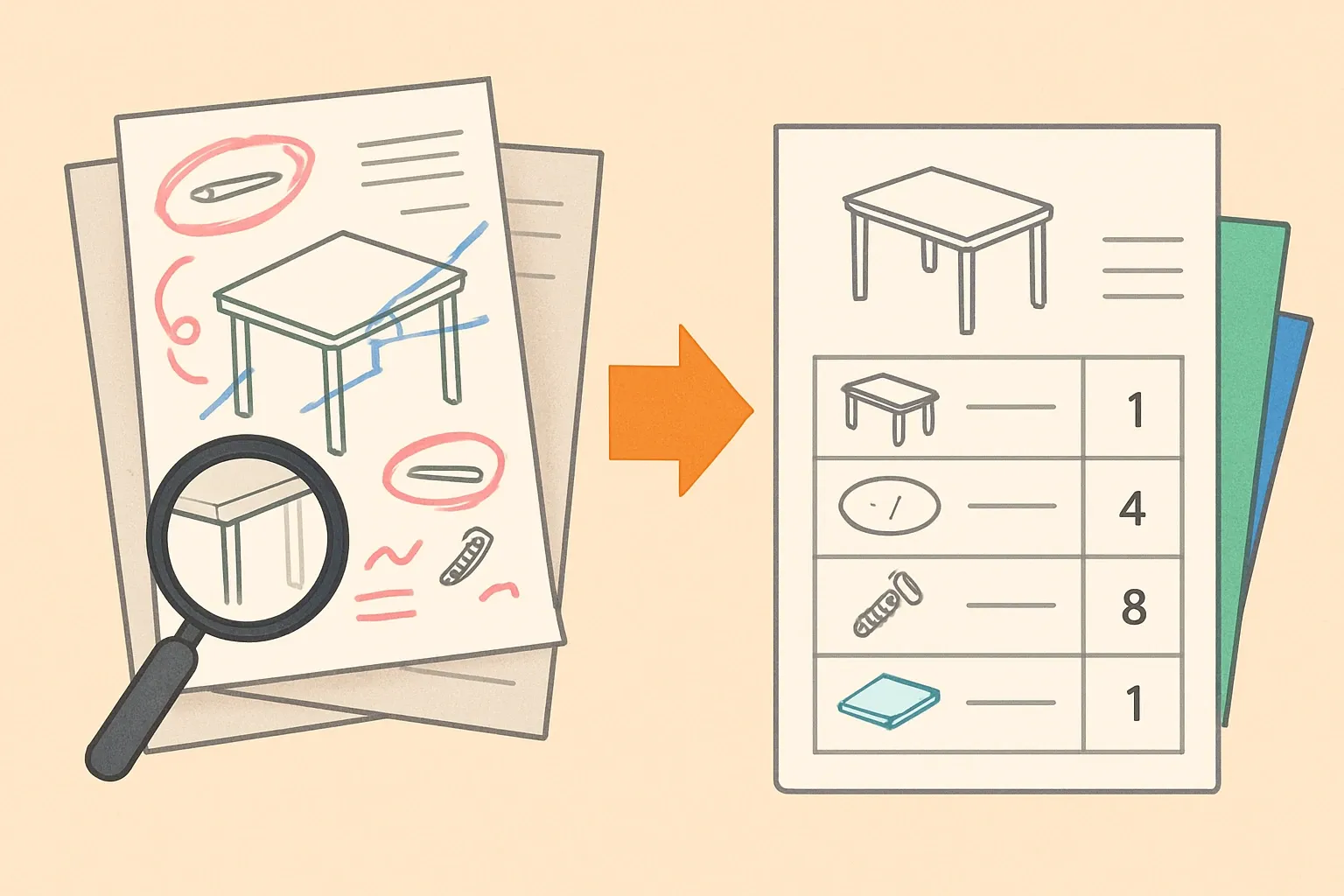
Paper and PDF drawings are like a greatest hits CD. All the songs are there, none are searchable. When EPDs are due, that makes scope, quantity, and unit capture slow and brittle.
A structured extraction step turns static views into machine readable data. The goal is not a pretty spreadsheet. The goal is a BOM that a verifier can trace and an LCA model can compute.
The target state: a normalized, variant aware BOM
Think of the BOM as a single source of counted truth. Every row needs a part identifier, a human friendly name, a unit of measure, a quantity, and an options key that maps which variants include it.
This is also where hidden materials surface. Gaskets, adhesives, protective films, and packaging often ride along yet carry non trivial impacts in A1 to A3.
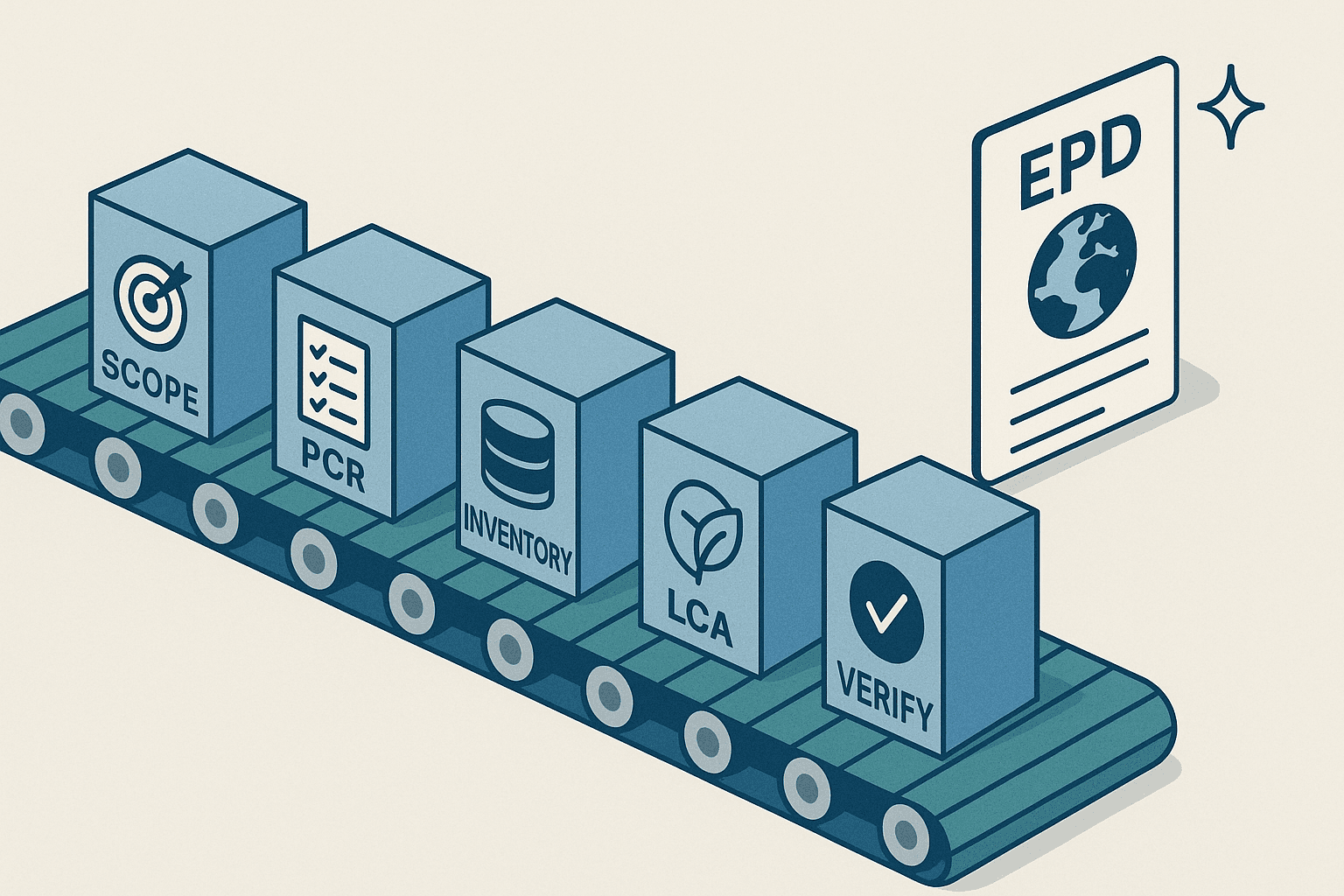
The five ingredients of EPD ready structure
- Part identity that persists across versions
- Canonical units in SI with conversions logged
- Quantities by variant and configuration
- Source links back to drawing views and notes
- Versioning so an auditor can replay the BOM on a given date
SI has seven base units, which keeps conversions consistent across teams and plants (NIST, 2024).
Units and declared units without traps
EPDs must report declared units that fit the product category rule. Windows and curtain wall often declare per square meter. Steel plate often declares per kilogram. Mixing piece counts with area or mass invites errors when variants shift sizes.
Mapping all engineering units to a canonical set early prevents copy paste chaos. EN 15804 plus A2 also brought a wider set of impact indicators, now nineteen in total, so clean unit math matters more than ever for comparability (CEN EN 15804+A2, 2019).
Turning drawings and legacy docs into data
Start with the smallest reliable anchor. Title blocks and part balloons already encode identity. Extract them, then apply a playbook.
- Capture part IDs and names exactly as drawn. Do not fix naming here. Preserve truth, add a clean alias alongside it.
- Parse quantities from callouts and tables. If a quantity is implied by geometry, log the rule used, not just the number.
- Normalize units with a transparent conversion table. Store both the original unit and the normalized unit.
- Attach page coordinates or view IDs so anyone can click back to the source.
Variant logic that scales beyond one-off fixes
A matrix of options beats a tangle of separate BOMs. Add a column per variable attribute like frame depth, glazing type, or reinforcement. Each row then carries inclusion rules such as All glazing types or Only laminated.
This lets one BOM power dozens of EPDs without duplicating rows. It also makes gaps obvious. If a glass setting block shows up in only some laminated variants, the hole is visible and fixable.
Quality gates that make verifiers relax
Good EPD inputs read like a lab notebook. Every quantity has a source. Every conversion has a reason. Every change is dated.
Practical checks help. Spot count a random drawing. Sum weights against a scale ticket where possible. Flag any unit that is not SI with a warning until converted. The result feels boring, which is exactly what auditors like.
No PLM rip and replace required
The team don't need to rip out PLM or ERP. A staging layer can sit next to existing systems. It ingests drawing exports, redlines, or legacy spec sheets, then publishes a stable BOM for LCA.
Success depends on handoffs, not heroics. Clear owners for extraction, normalization, and QA keep cycle time short without organizational surgery.
What good looks like in plain English
A reviewer can answer five questions without hunting. What part is this. Where did the quantity come from. Which unit is canonical. Which variants include it. What changed since last time.
Write the BOM so those answers are visible in one view. If it reads like a well labeled parts tray, you are close.
A quick starter checklist
- Declared unit chosen to match the PCR in scope
- SI unit normalization complete and logged
- Variant inclusion rules filled for every row
- Links to drawing views captured for traceability
- Change log ready for verifier review
The commercial payoff
An EPD ready BOM shrinks back and forth with verifiers to days instead of weeks because evidence is pre organized. That speed protects specs when bids introduce late option changes. It also reduces dependence on tribal knowledge when key engineers are on vacation.
EN 15804 still sets the game board and the indicators are many. Getting units and variants right upfront is how product makers play to win without rework. If trustworthy averages on time saved exist across all sectors, we have not seen them published in 2024 or 2025, but the pattern is clear in practice.