
Why static EPDs struggle with configurable systems
A single PDF tries to cover thousands of possible builds. That works until a spec asks for a different glass interlayer or a wider stile. Think Swiss Army knife, photographed from one angle, when the project needs a close‑up of a single blade.
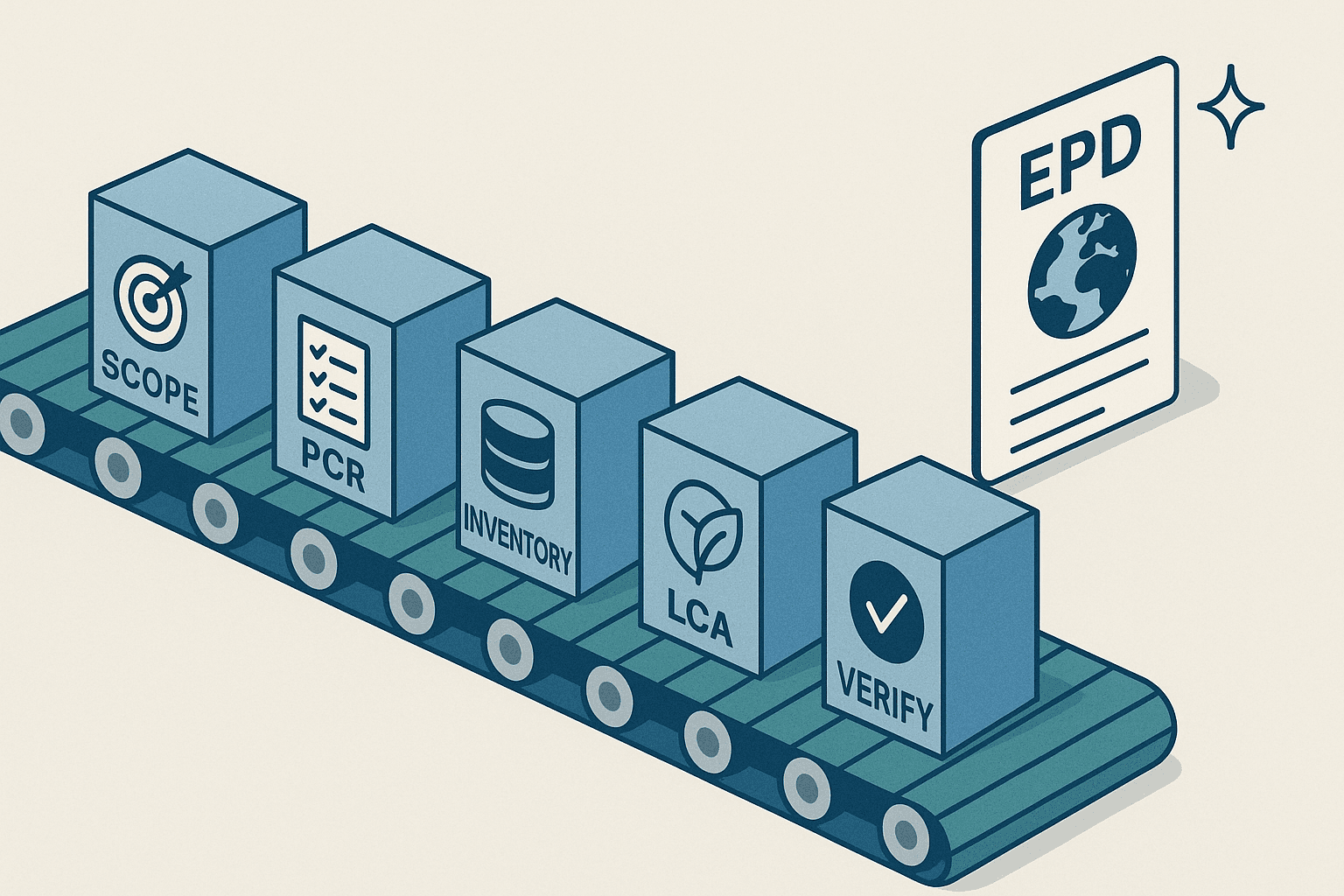
The core idea: verify the declared unit, lock the rules
Set one declared unit that fits your category, for example 1 m² of facade area or 1 kg of hardware. Build a parameterized LCA where inputs like species, pane count, interlayer type, or member size are variables. Submit the model and its allowable ranges to independent verification under the chosen program operator. The verified output becomes your published EPD, and the same model can produce non‑verified, project‑specific LCA snapshots for bids.
What is covered by verification, and what is not
Verification typically covers the declared unit, the model logic, background datasets, allocation, and the allowed parameter ranges defined in the verification report. It does not automatically cover every configuration output unless each variant is published as its own EPD.
Here is a simple split to share internally and with speicifiers:
- Verified: declared unit, system boundary, datasets and versions, parameter ranges, impact calculation method, reported modules.
- Not verified: any on‑the‑fly project configuration that has not been registered and published as an EPD.
Handling parameters without surprises
Treat each variable like a slider with firm stops. If a wood species is outside the verified list, or a glazing build‑up adds a new interlayer chemistry, the tool should flag it. Good tools reject out‑of‑range entries, show the nearest valid substitute, and keep a log so reviewers can retrace choices.
Data discipline that keeps trust high
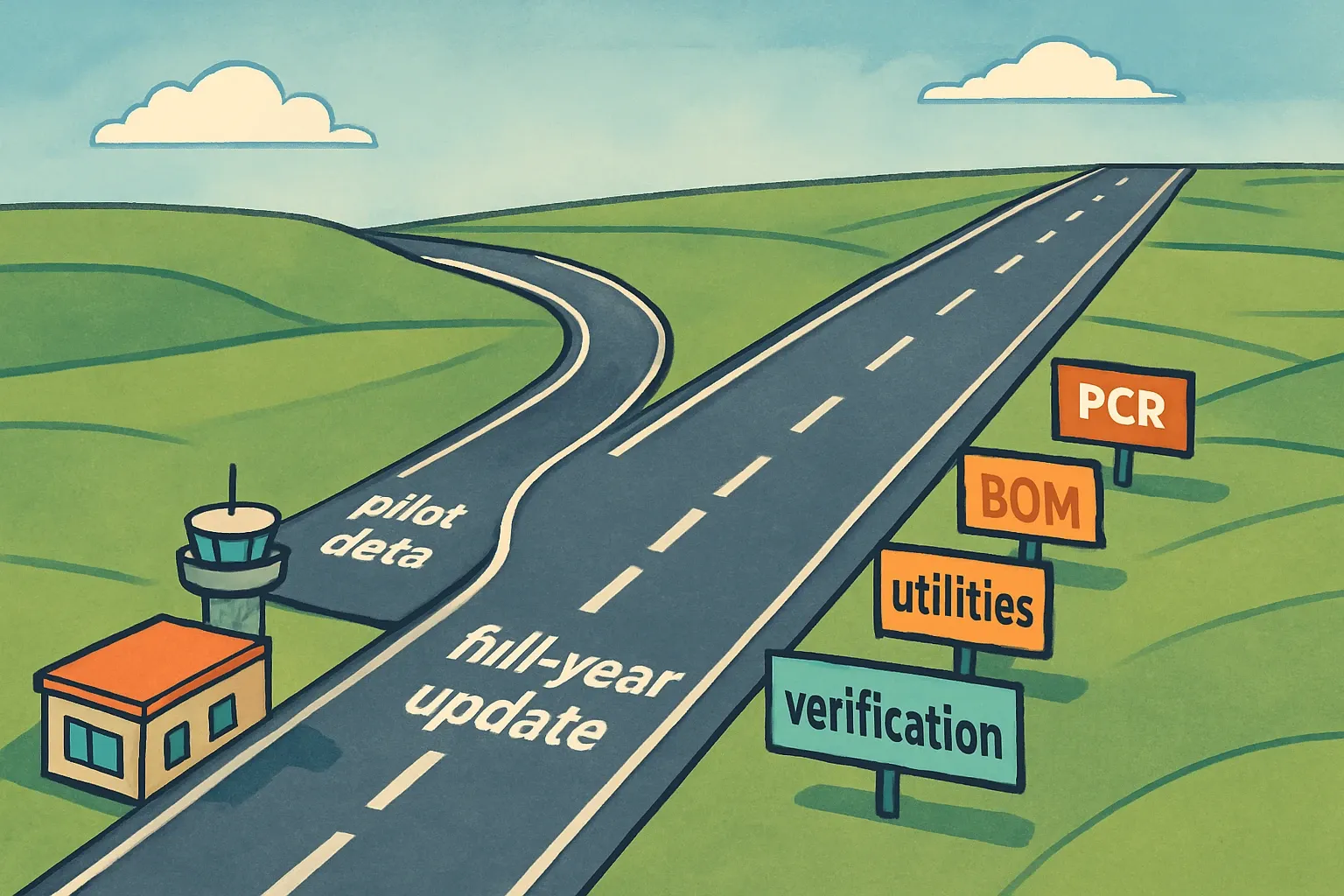
Freeze background datasets for the EPD release and document when updates are allowed. When the PCR updates, renew the EPD against the new rules at the next cycle. Leading operators keep EPD validity at five years, which creates a practical cadence for model refresh and dataset rechecks (EPD International GPI, 2024) (EPD International GPI, 2024). IBU follows the same five‑year validity in its programme rules (IBU Programme Rules, 2024) (IBU Programme Rules, 2024).
Communicating the difference without scaring buyers
Architects and owners want clarity, not caveats. Use plain labels on every output.
- Published EPD: include the registration number, program operator, verification statement, and declared unit.
- Project‑specific LCA: include the date, the model version, the parameter set, and a sentence that it is calculated from a third‑party‑verified model and declared unit, but is not a registered EPD.
We like a simple footer line that reads: “Calculated from verified model and declared unit, ranges conform to verification report, not a registered EPD.” It is short, accurate, and removes wiggle room.
Where the commercial win shows up
Project teams often need a number during schematic design and another during value engineering. A configurable system gives both within hours, which keeps your product in the conversation and avoids conservative default factors that can make a product look heavier than it really is. Faster answers also reduce costly back‑and‑forth across estimating, sustainability, and sales.
Governance that auditors will actually applaud
Write down who can edit parameters, who can add species or glazing recipes, and how approvals happen. Keep a change log that records inputs, user, and timestamp. Store evidence for primary data, like mill invoices or fab yields, next to the model so reviewers do not chase email threads. This sounds boring, it is also what saves a review week.
Implementation checklist to get moving
- Choose a program operator and confirm they accept verified calculation tools for your category.
- Define the declared unit and scope, then agree the parameter list and ranges that reflect how the product is actually sold.
- Build the model, pre‑load background datasets, and document every source and version.
- Run verification on the model and ranges, then publish the base EPD.
- Expose a controlled interface for sales and estimating, with clear labels, guardrails, and an audit trail.
- Train the field on what is verified and what is not, plus when to request a published variant EPD.
A short script for sales emails and submittals
“Attached is our registered EPD that discloses impacts for the verified declared unit. We also included a project‑specific LCA snapshot using the same verified model, with your selected species, glass build‑up, and dimensions. The snapshot is not a registered EPD, it is calculated within the verified parameter ranges and meant to support early decisions.”
Make the model your single source of truth
Treat the verified declared unit and its underlying LCA like the engine, and every project output like a test drive. When the model is transparent, ranges are enforced, and labels are clear, teams respond faster, win more calm conversations with reviewers, and avoid rework. The setup definately takes thought, the payoff is a pipeline of credible numbers that keep pace with real projects.